
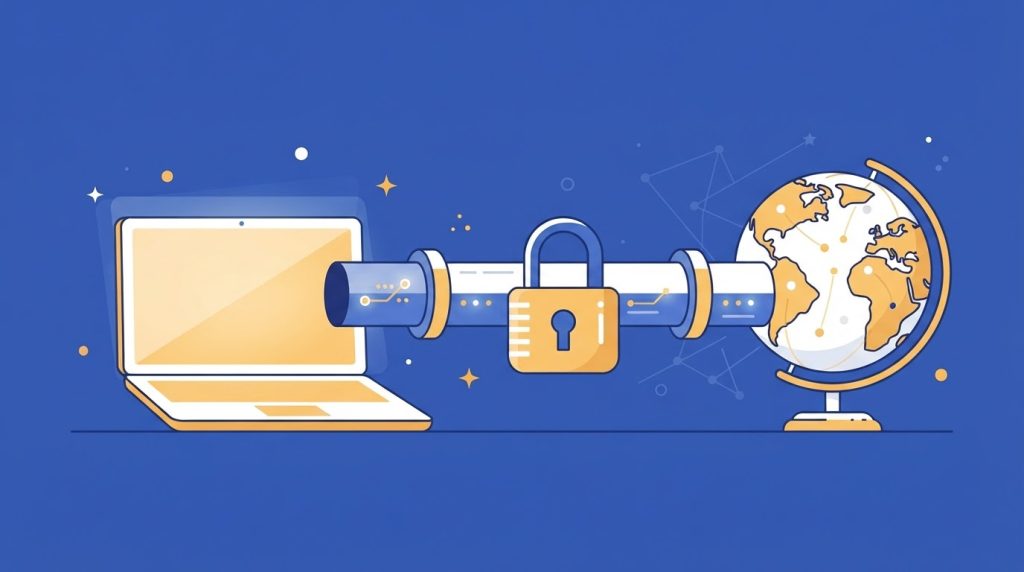
Not every free VPN is unsafe, and not every one is safe. When you use a VPN, all of your internet traffic passes through that service’s servers, so the trust you place in your internet provider moves to the VPN company. The real question is therefore not “is it free” but “how does this service make money, and what does it do with my data”.
This article covers the risks you can run into with free VPNs and what to look at before installing one. We do not recommend any brand; the criteria apply to every service.
How does a free VPN make money?
Running servers and buying bandwidth costs money. A free service has to cover that cost somehow. The common models are:
- A limited free tier: A trial version of a paid service with capped data, speed or server choice. The income comes from paying subscribers; this is the most transparent of the models.
- In-app promotions: The app may include third-party tracking code.
- Usage data: Some services may collect data such as the sites you visit and share it with third parties.
- Sharing your connection: Some services use their users’ internet connections as exit points for other users. In that case other people’s traffic can leave from your IP address.
The risks you may face
| Risk | What it means |
|---|---|
| Logging | Which sites you connect to, and when, may be stored and shared. |
| Weak or missing encryption | Your traffic is not protected as well as you expect. |
| DNS and IP leaks | Your queries or real IP address can be visible even with the VPN on. |
| Excessive app permissions | The app asks for contacts, location or files that a VPN does not need. |
| Malware | Fake apps, or apps downloaded outside official stores, can harm your device. |
| Speed and data caps | Crowded servers slow the connection; a monthly data allowance runs out fast. |
If you sign in to banking or email with a VPN on, remember that the service is carrying that traffic. Do not do this through an app whose owner and privacy policy are unclear.
What to check before you install
- Who is the company? Are the operator’s name, address and contact details stated clearly?
- What does the privacy policy say? Does it explain in plain terms what is collected and who it is shared with?
- Is there an independent audit? Is the “no logs” claim backed by an independent audit report?
- Is the business model clear? Does the service explain how the free tier is funded?
- What permissions does it ask for? A VPN app does not need your contacts or photos.
- Where do you download it? Use only official app stores or the company’s own site.
- Which protocol does it use? Well-known, open protocols such as WireGuard, OpenVPN and IKEv2 are preferable.
The wider framework behind these criteria is in what is a VPN and what should you look for.
Do you actually need a VPN?
If all you want is faster or more reliable name resolution, changing your DNS server may be enough, and it does not route your traffic through a third company’s servers. VPN vs DNS explains when each one helps, and is changing DNS safe covers the security questions on the DNS side. Many “VPN” browser extensions are in fact proxies; what is a proxy explains the difference.
No VPN, paid or free, makes you fully anonymous online or fixes every access problem. Rules on VPN use differ from country to country; this article is not legal advice.